
Watching Live Cameras in a Grid in Survail
Reviewing a timeline of 24/7 Footage is easy with Survail.
Log In To Survail
You can log into Survail at https://app.survail.com/.
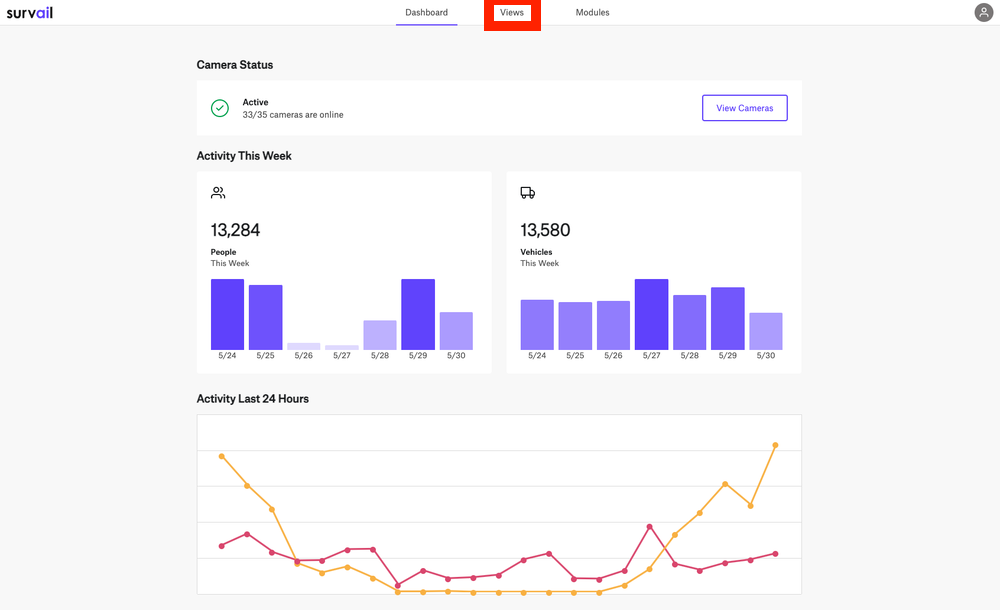
Click on "Views" in the Top Menu
At the top of the screen, you can see the main Survail Menu. Click on the "Views" Tab. This will lead you to the Events page.
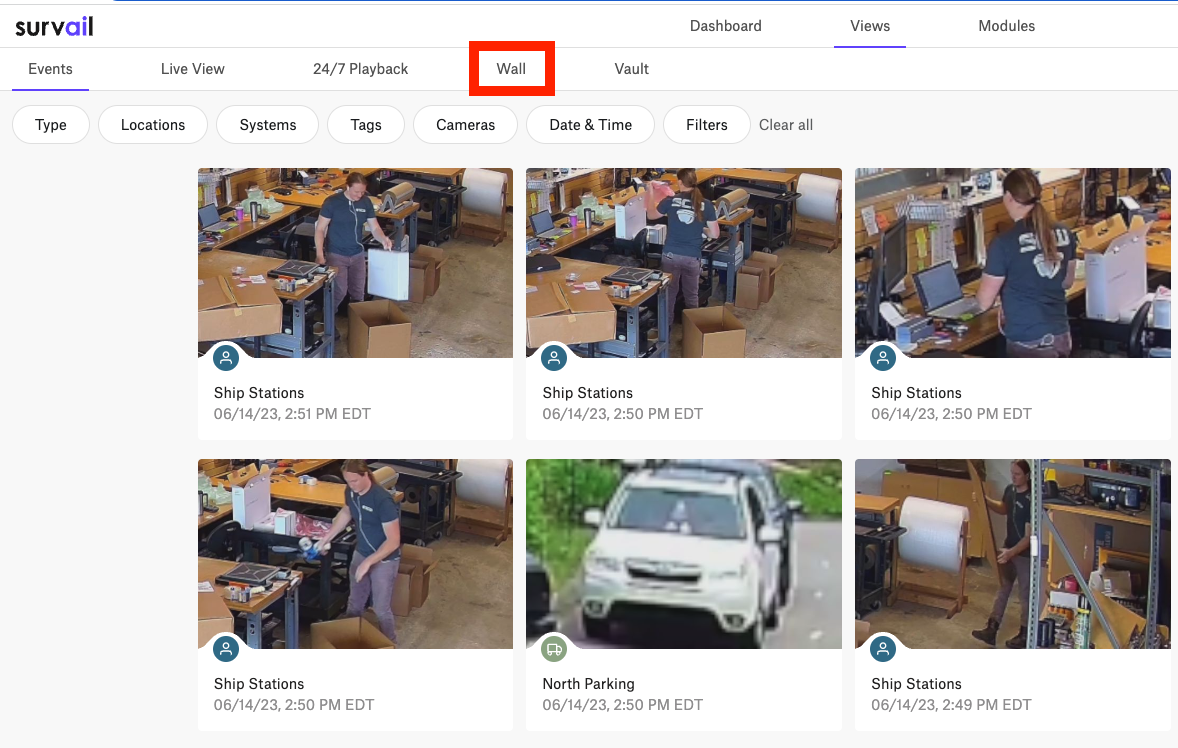
Click on "Wall"
You'll want to navigate to the "Wall" tab in the View Sub Menu.
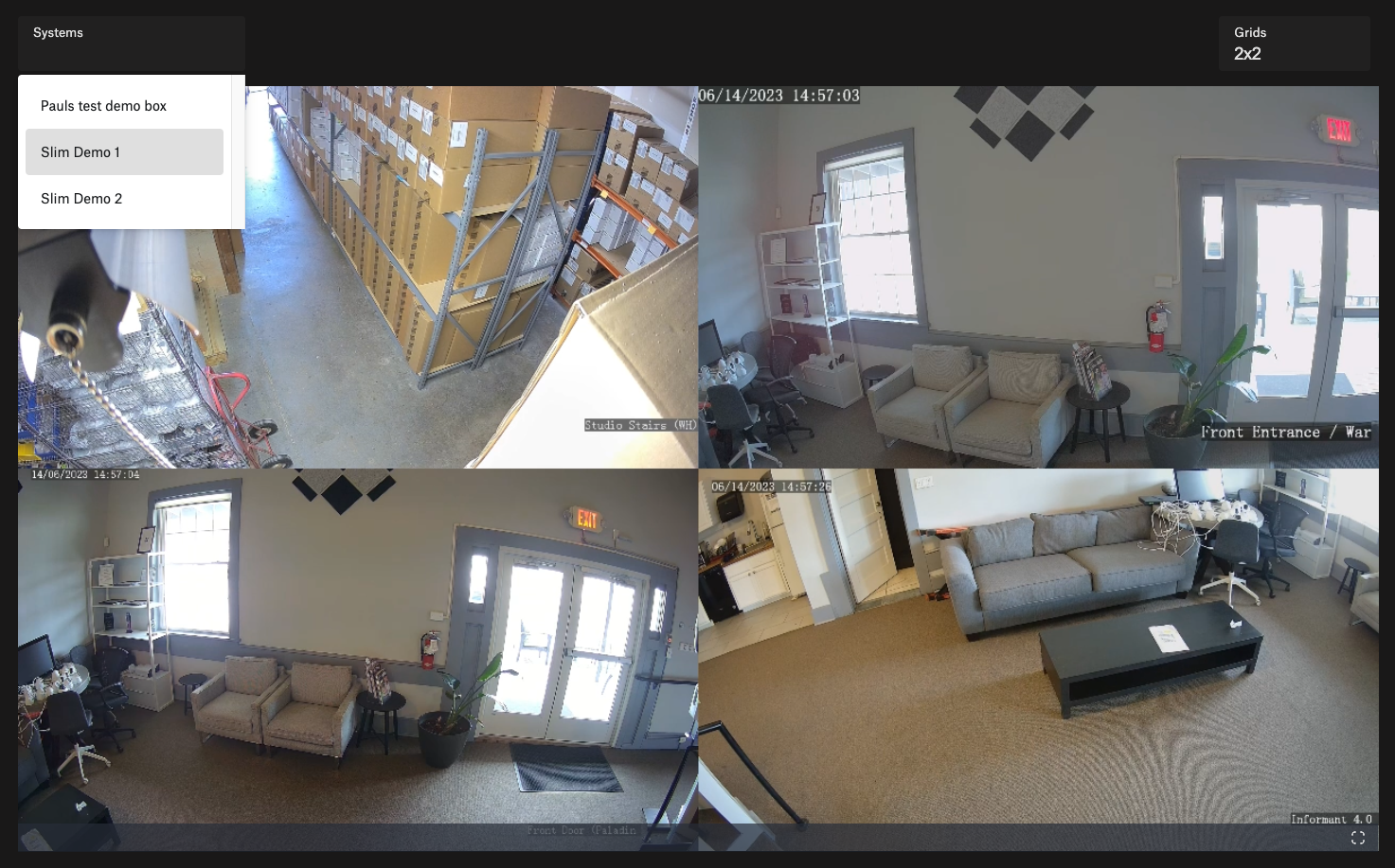
Choose System for the Camera Wall
You'll want to pick which Survail Hardware you want to stream a wall view.
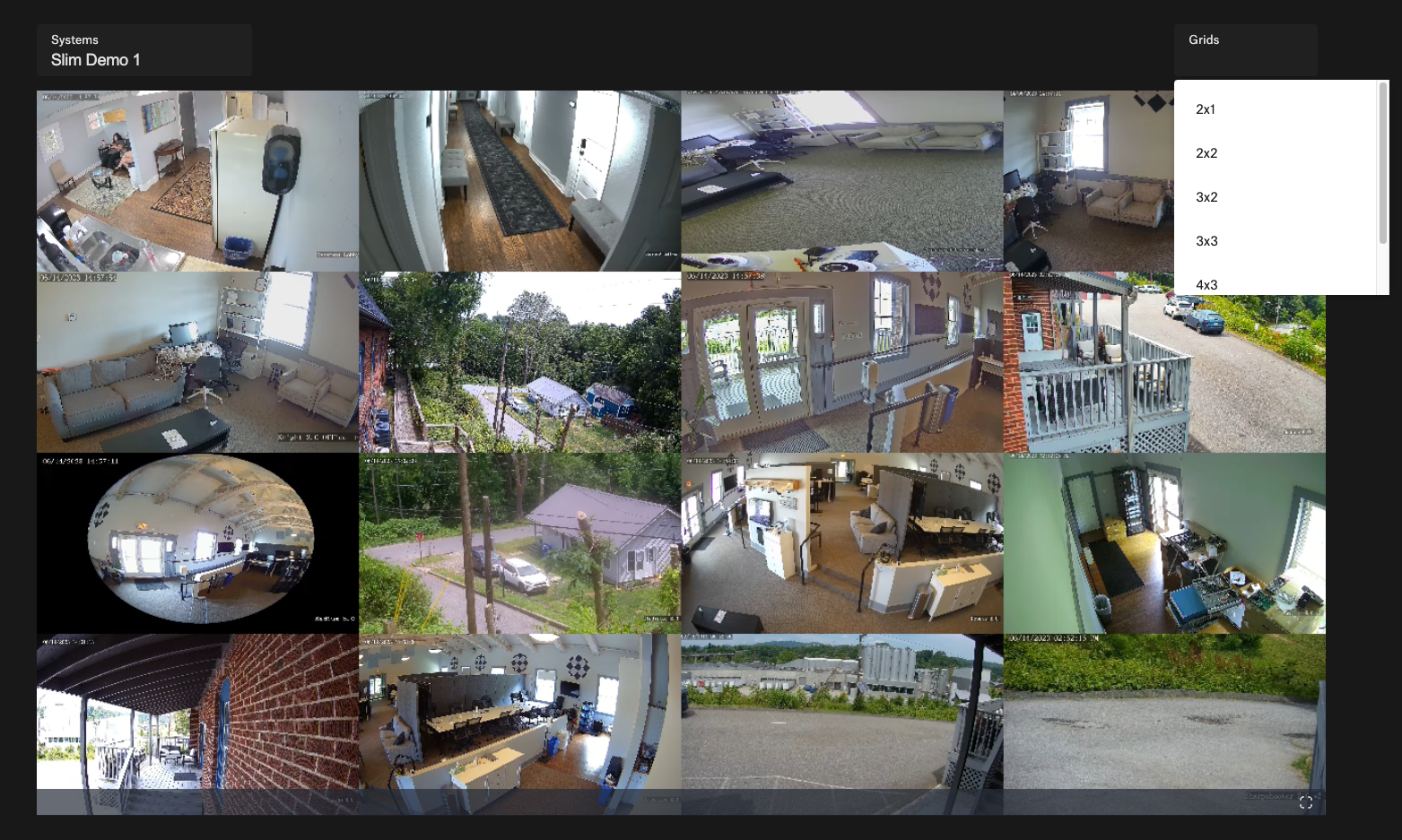
Choose the Grid
Decide how many cameras you want to view at once and the layout. You can view up to 16 cameras at once in Grid View.
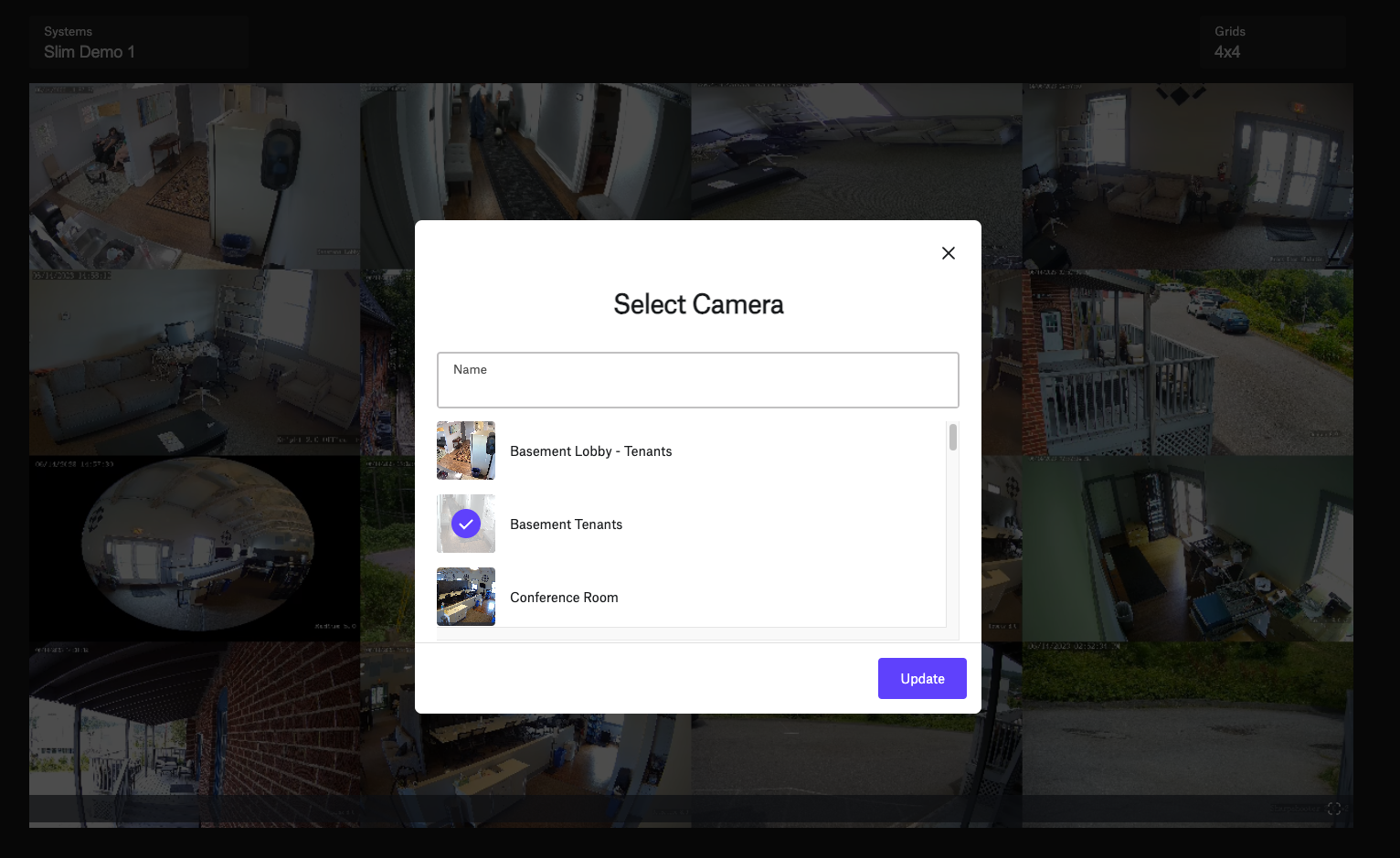
Optional: Put the Cameras into a Different Order
You can click on any part of the grid and change which camera is in which grid location.