
How to View Statistics on the Survail Dashboard
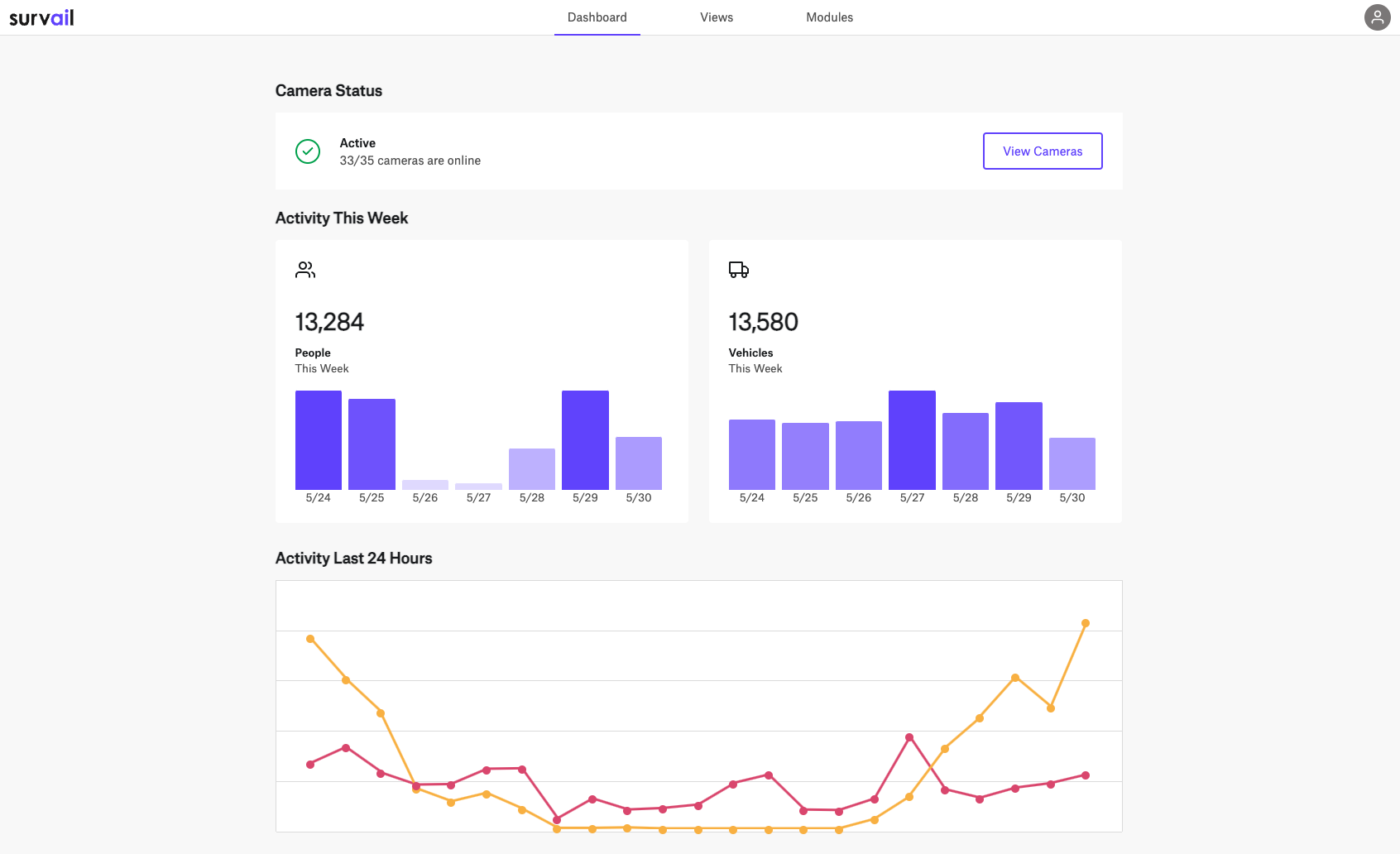
The Survail Dashboard has daily and hourly activity statistics and your camera health monitoring information.
Dashboard
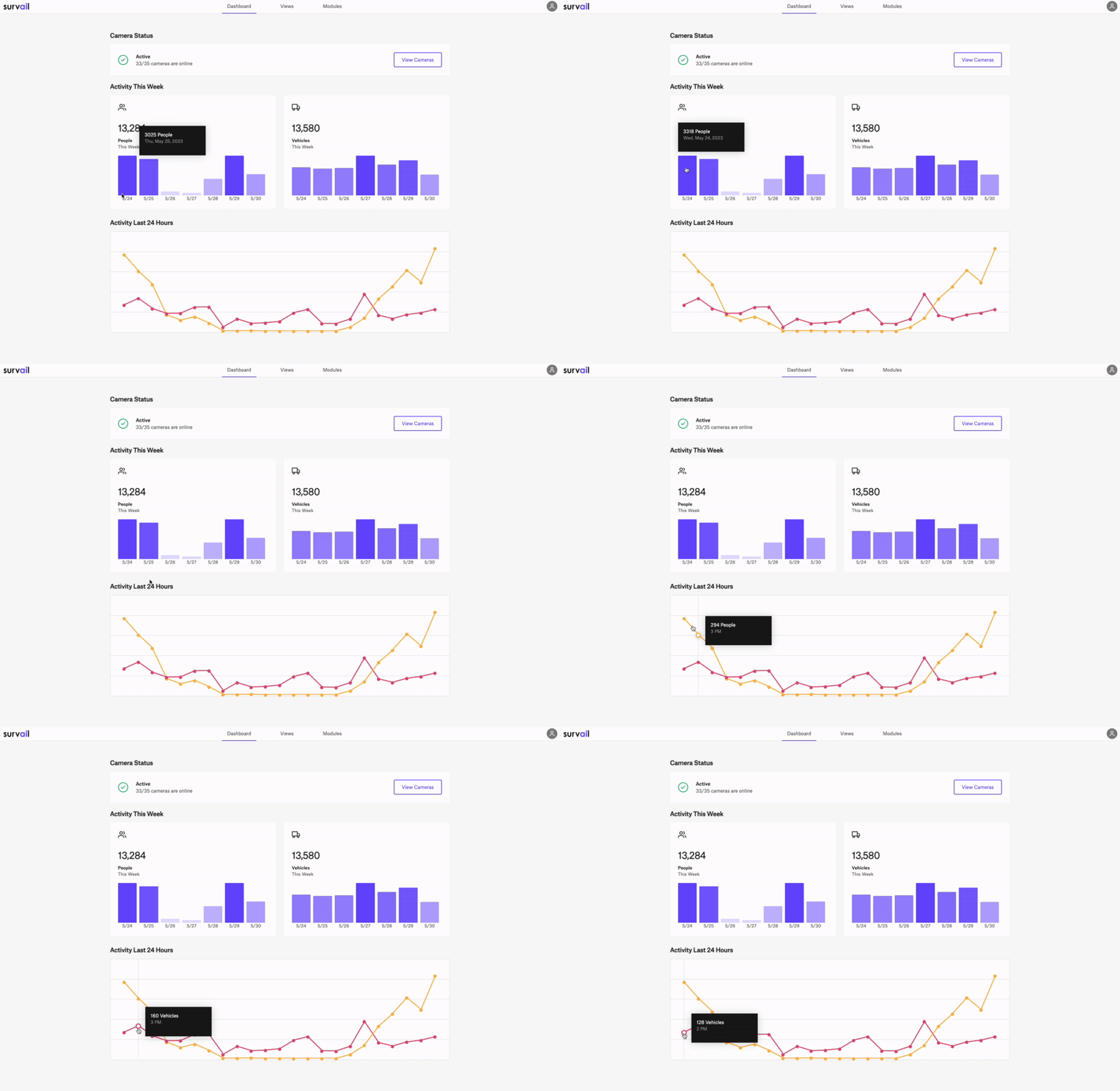
After logging in, you will see the Survail Dashboard, where you can see bar and line charts for the daily and hourly people and vehicle activities.
Log In To Survail
You can log into Survail at https://app.survail.com/.
Camera Status on Dashboard
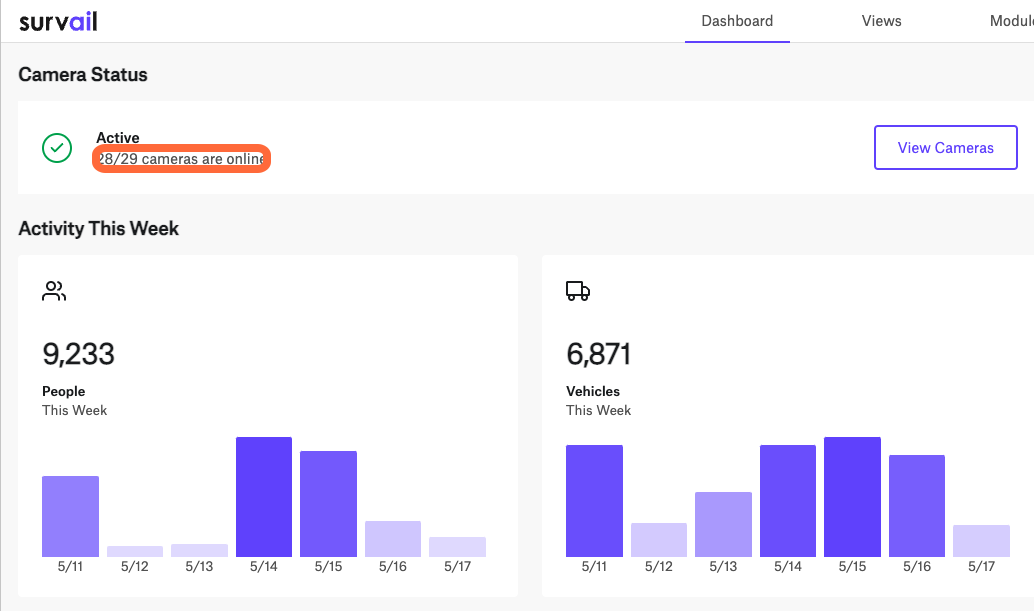
At the top right of the dashboard page (which loads as soon as you login), you can see our camera status report. On this report, you can notice that only 28 of 29 cameras are online.
Exact Counts on Hover
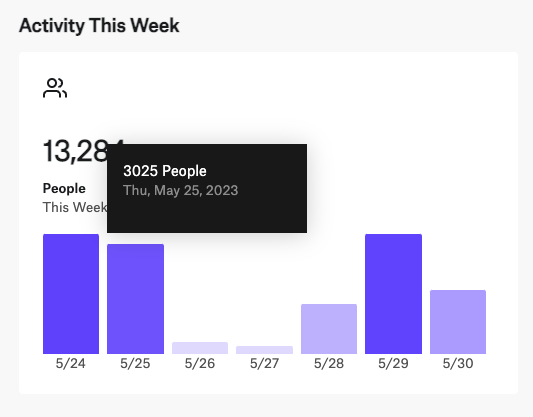
If you hover your mouse over a section of either the daily bar chart or the hourly line, Survail will show the exact activity event count.
Video Demonstration
You can see this in action in this video.